How to cancel MyFitnessPal Premium before it renews
MyFitnessPal's Premium page says you can cancel in the Settings menu, in the App Store or in Google Play, depending on where you signed up, and that Premium stays until the end of the period you have paid for. Its terms say a cancellation takes effect at the end of the period you paid for, and your account then becomes a free one. TriageFit coaches your food and training together for €50 every 4 weeks with VAT included, and its weekly check-in takes a CSV of daily totals exported from MyFitnessPal.
By TriageFit · Published
To cancel MyFitnessPal Premium, cancel in the place you signed up, and do it a few days before the next renewal. This page sets out where MyFitnessPal says to cancel, when a cancellation takes effect, what its terms say about refunds, trials and price changes, and how to bring your food log across if you move to coaching. The facts come from MyFitnessPal's Premium page, read with Irish prices showing, and from its terms of service, and each source is listed at the foot of the page with the day it was read.
Where to cancel MyFitnessPal Premium
The Premium page says you can cancel in the Settings menu, in the App Store or in Google Play, depending on where you signed up.
If you are unsure where that was, look for MyFitnessPal among the subscriptions on your phone and in the Settings menu of your MyFitnessPal account, and cancel wherever it is listed as active. MyFitnessPal's terms warn that deleting your account or the app may not cancel a subscription, so removing the app from your phone is a separate step from cancelling.
When the cancellation takes effect
| The question | What MyFitnessPal says |
|---|---|
| How it renews | The Premium page says it auto-renews every month or every year unless you cancel |
| When you are billed | The terms say you are billed at the start of each monthly or yearly period |
| What a cancellation does | The terms say a cancellation takes effect at the end of the period you paid for, and your account then becomes a free one |
| What you keep meanwhile | The Premium page says Premium stays until the end of the period you have paid for |
So a cancellation made today leaves Premium in place until the end of the month or year you have already paid for, and your account then carries on as a free one. A cancellation made a few days before the renewal date leaves no doubt about which side of the charge it falls.
Refunds and the right to change your mind
The terms say payments are final and not refundable, except at MyFitnessPal's sole discretion, and an app store's own rules may limit a refund. They also say someone outside the US may be entitled to a full refund if they change their mind within 14 days of signing up. If you signed up in the last fortnight and live outside the US, that second line is the one to read.
If you are on a free trial
The Premium page describes a 7-day free trial for anyone who has never upgraded or started a Premium trial. The terms add that a free trial may need a payment method, nothing is charged until it ends, and a trial you cancel cannot be restarted. If you started a trial to look around, cancel before it ends to avoid the first charge.
What the next charge would be
The Premium page, read with Irish prices showing, lists €19.99 a month and €79.99 a year (checked 3 November 2026). The terms say you get reasonable notice of a price change, so an email about a new price is a good moment to decide whether to keep paying.
Before you cancel, export your food log
If you plan to carry on tracking somewhere else, export your daily totals before you cancel. The TriageFit weekly check-in can read that file.
Moving to coaching that covers your training too
TriageFit coaches your food targets and your training programme in one plan, with real coaches in your group.
Your first payment opens an intake of about thirty minutes, which saves as you go. It asks for your goal, your training history, the equipment you have, the days you can train and any injuries. An injury in one of the common problem areas is graded. A severe one, or a moderate one that is getting worse, has the exercises most likely to aggravate it swapped for others for the same muscles, and a mild one keeps them with a note to work in a pain-free range.
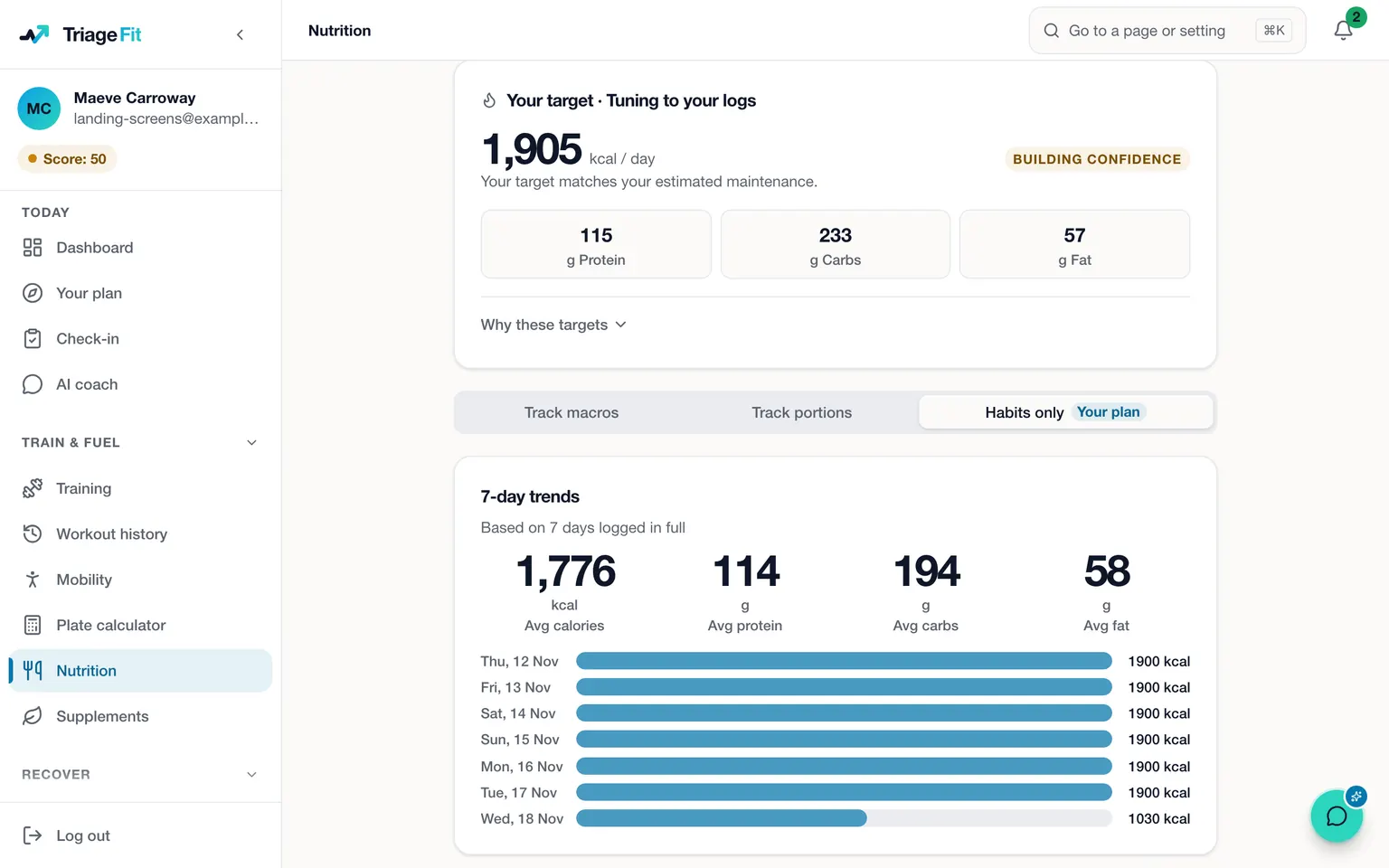
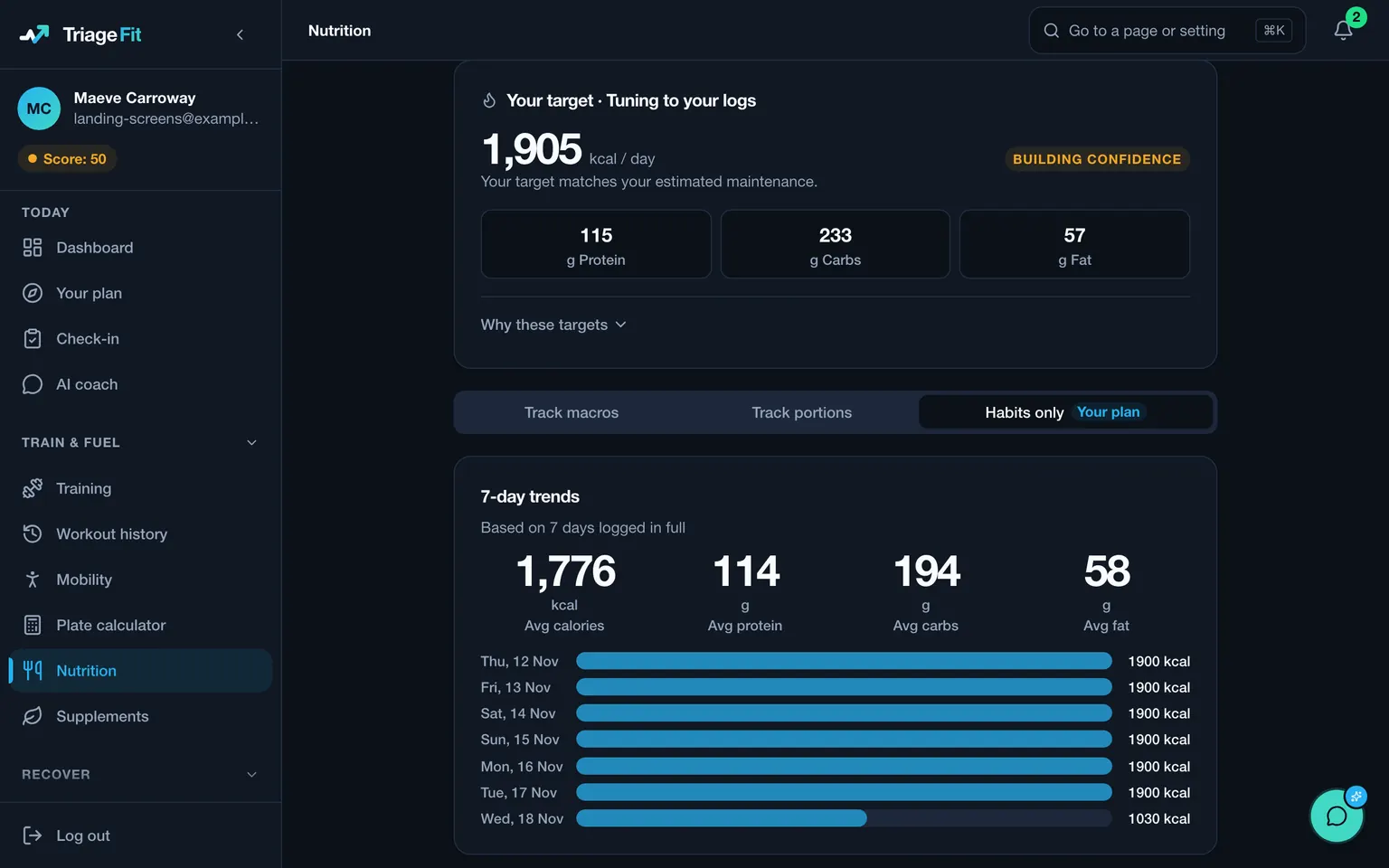
The intake sets a calorie target and spreads your protein across the day. You log meals from our food database, from what you ate lately, from recipes you saved, or by naming a food and entering its macros. When your plan tracks calories and macros, the weekly check-in accepts a CSV file of daily totals exported from MyFitnessPal, and each day in it is saved to your food log. A day you have already logged meals for in TriageFit keeps the meals you logged.
Our coaches wrote the training phases, four to six weeks each, running one into the next for as long as you stay. Sessions draw on 494 exercises matched to your equipment, with coaching cues on each and the main lifts on video, and every set you log stays with its exercise, so the next session starts from last week's numbers.
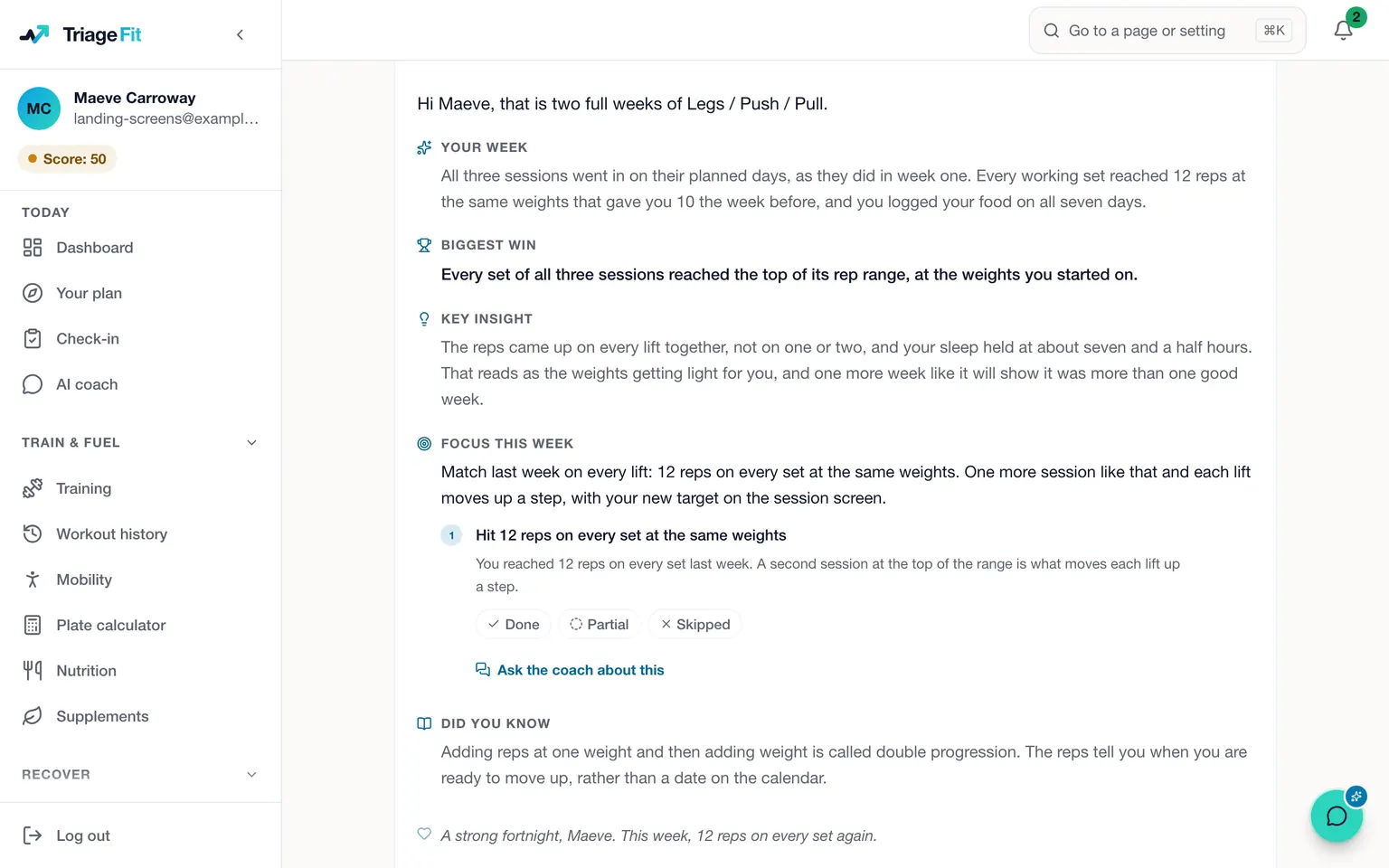
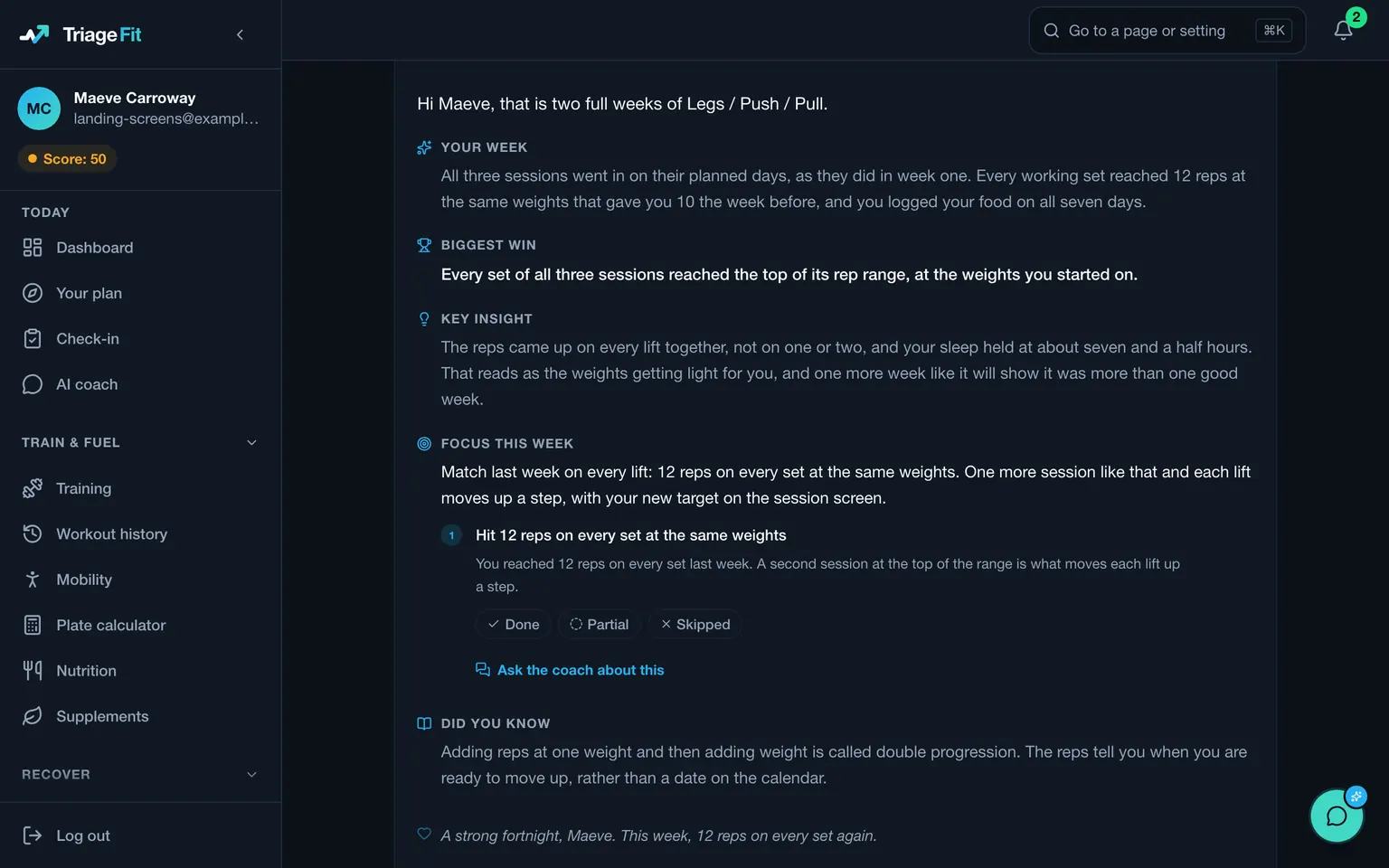
The check-in opens on the day you chose with the week's food and training in it. You rate energy, recovery, sleep, stress and motivation, the AI coach replies within seconds, and your macros are reset from it. Underneath it is a method our coaches have built over 20+ years of working with real clients, and the AI coach brings it to you at any hour, tailored to your week. During the week the AI coach can shorten a session, swap an exercise or move one to another day, each once you agree. A coach reviews any set you film, and coaches answer in the members' group where everyone can read the answer. You can upload an export from an Apple Watch, a Garmin, a Whoop, an Oura ring or a Fitbit, and TriageFit runs in the browser on a phone or a computer.
A librarian's move from a food diary to coaching
Think of a librarian in Sligo who logged every meal in MyFitnessPal for a year on Premium, and who now wants someone to tell them what to change and a plan for the gym as well. They export their daily totals, cancel Premium in the App Store a week before it renews, and pay for TriageFit.
At the intake they list the dumbbells, bench and cable machine at their local gym, grade a right wrist as mild and pick Tuesday, Thursday and Saturday. At their first check-in they upload the MyFitnessPal file, and the past weeks land in their food log beside the meals they have logged since. The AI coach answers in seconds, a real coach is there as back-up when something needs a person, and their macros are set from what the weeks show.
What TriageFit costs
TriageFit costs €50 every 4 weeks with VAT included, or €500 for a year paid up front. In the UK the block is £45, and in the US it is $55. The block plan has no contract, you can pause it for one to three months, and there is no free trial, so coaching starts with your first payment.
How to start
Choose a plan on the pricing page, set up your account and pay, and the intake opens. MyFitnessPal alternatives covers other places to go, what MyFitnessPal Premium costs lists its prices, how to cancel Noom covers another switch, and a macro coach explains how TriageFit coaches your macros.
Questions people ask
- How do I cancel MyFitnessPal Premium?
- MyFitnessPal's Premium page says you can cancel in the Settings menu, in the App Store or in Google Play, depending on where you signed up. Its terms warn that deleting your account or the app may not cancel a subscription, so cancel the subscription itself.
- Do I lose Premium straight away when I cancel?
- The Premium page says Premium stays until the end of the period you have paid for. The terms say a cancellation takes effect at the end of the period you paid for, and your account then becomes a free one.
- Can I get a refund on MyFitnessPal Premium?
- The terms say payments are final and not refundable, except at MyFitnessPal's sole discretion, and an app store's own rules may limit a refund. They also say someone outside the US may be entitled to a full refund if they change their mind within 14 days of signing up.
- Can I bring my MyFitnessPal history to TriageFit?
- When your plan tracks calories and macros, the weekly check-in accepts a CSV file of daily totals exported from MyFitnessPal, and each day in it is saved to your food log. A day you already logged meals for in TriageFit keeps them.
Sources
- MyFitnessPal Premium, prices shown in Ireland, checked 3 November 2026
- MyFitnessPal terms of service, checked 3 November 2026
MyFitnessPal, Garmin, Whoop, Oura and Noom are trademarks of their owners. TriageFit is independent of each of them, and none of them has reviewed or endorsed this page.
Read next
- How to cancel a Fitbod subscription wherever you bought itHow to cancel a Fitbod subscription on its website, an iPhone or Android, what you keep afterwards, how refunds and pauses work, and where to go next.
- TriageFit vs Whoop, the data on your wrist and a coach to use itTriageFit vs Whoop: what Whoop measures on your wrist, what TriageFit does with that data once you upload it, and what each one costs to run together.
- TriageFit vs MyFitnessPal, a food log or coached food and trainingTriageFit vs MyFitnessPal on price and on what happens after you log: a food diary whose goal follows your weigh-ins, or coached food and training.
- How much does a personal trainer cost, and what does the same money buy?What a personal trainer costs for a session, a package and four weeks in Ireland, the UK and the US, and what the same money buys with TriageFit.