How to cancel a Fitbod subscription wherever you bought it
Fitbod's help centre says you cancel, or ask for a refund, where you subscribed, and your receipt shows which that was, since a charge from Apple or Google means the store and a charge from Fitbod means its website. On its website you cancel by logging in at app.fitbod.me and choosing Cancel under Your Plan, on an iPhone in your iPhone's Settings, by tapping your name, then Subscriptions, Fitbod and Cancel Subscription, and on Android in the Play Store app, under your profile icon, then Payments and subscriptions, Subscriptions, Fitbod and Cancel subscription. It also says cancelling stops future charges but does not refund the period you are in, and you keep full access until the next billing date. TriageFit costs €50 every 4 weeks with VAT included, for a programme from phases our coaches designed, coached food and real coaches in your group.
By TriageFit · Published
To cancel a Fitbod subscription, you cancel in the place you bought it, which is Fitbod's website, the App Store or Google Play, and the steps differ for each. This page sets out the steps from Fitbod's own help centre, what you keep once you have cancelled, how refunds and pauses work, and what moving to coached training looks like.
First, find where you subscribed
Fitbod's help centre says you cancel, or ask for a refund, where you subscribed, and your receipt shows which that was, since a charge from Apple or Google means the store and a charge from Fitbod means its website. It also notes that a subscription bought on Fitbod's website does not appear among your Apple or Google subscriptions, so you check it at app.fitbod.me. So if your phone's subscriptions list shows no Fitbod, check your email receipts and your account on Fitbod's website before assuming there is nothing to cancel.
Cancelling on Fitbod's website
You cancel by logging in at app.fitbod.me and choosing Cancel under Your Plan. The help centre adds that if the Cancel button is missing, you email Fitbod's support team with your full name and your account email.
Cancelling on an iPhone
You cancel in your iPhone's Settings, by tapping your name, then Subscriptions, Fitbod and Cancel Subscription. The help centre says that if Fitbod is not listed there, you probably subscribed on its website or no longer have an Apple subscription.
Cancelling on Android
You cancel in the Play Store app, under your profile icon, then Payments and subscriptions, Subscriptions, Fitbod and Cancel subscription. You can also cancel on a computer, at play.google.com under My subscriptions, then Manage and Cancel subscription.
Cancelling a free trial
Fitbod offers a 7-day free trial when you first sign up, with nothing charged until it ends, and the trial moves on to the monthly or yearly plan you picked unless you cancel it, so a trial you no longer want has to be cancelled before it ends. The help centre says a trial on an iPhone has to be cancelled at least 24 hours before it ends, and that the App Store or Google Play subscriptions list shows the day a store trial ends. A trial started on the website is cancelled on Fitbod's website, by choosing your account email at the top right, then Manage Subscription and Cancel Subscription.
What happens after you cancel
| The question | What Fitbod's help centre says |
|---|---|
| Billing and access | cancelling stops future charges but does not refund the period you are in, and you keep full access until the next billing date |
| Deleting your account | deleting your account does not cancel your subscription |
| After a trial ends | you can still look back at past workouts, but logging a new one or generating a workout from your history needs a subscription |
| Passing it on | subscriptions cannot be passed to someone else |
A cancellation made a few days before your renewal date leaves no doubt about which side of the charge it falls, and since deleting your account leaves the subscription running, cancel first and delete afterwards if you want to.
Asking for a refund
A refund follows the same rule as cancelling, and goes to the place you paid. For a website purchase you ask by emailing Fitbod's support team with your name, your account email and a screenshot of your receipt. For an App Store purchase you ask through Apple's report-a-problem page, and Apple reviews every request. For a Google Play purchase you ask through Google's refund page, or by emailing Fitbod's support team.
If you only need a break
Fitbod's help centre describes a one-month pause, offered only to eligible monthly subscribers on its website and not given on request, during which you cannot start or log a workout, and it says annual plans and trials cannot be paused. On Android, a monthly subscription on Google Play can be paused for one to three months. The help centre adds that a pause starts when the billing period you are in ends, nothing is charged while it lasts, and the subscription resumes by itself afterwards, and that your workout history and settings are kept during a pause.
Moving from an app-built workout to a coached programme
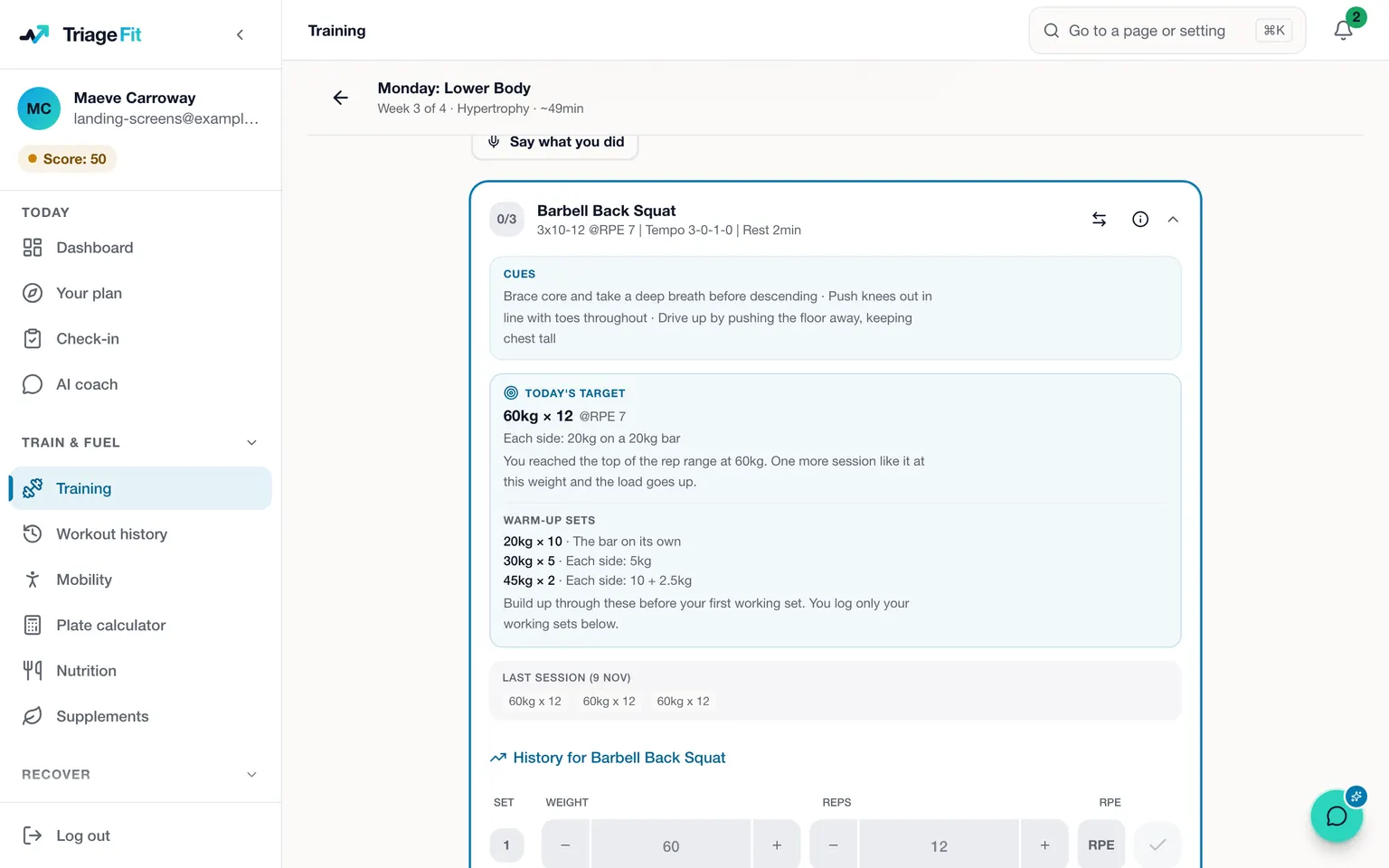
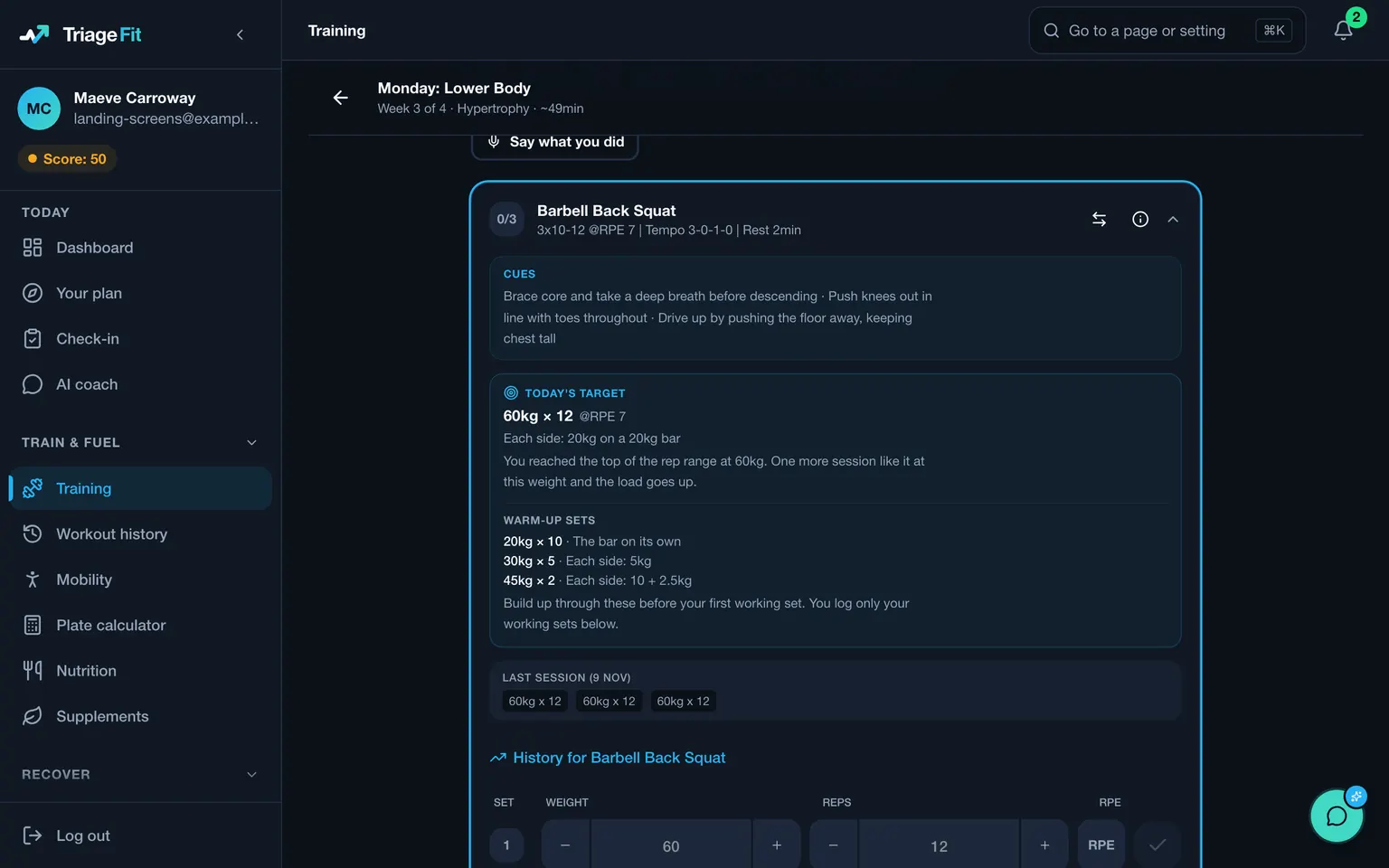
Fitbod builds each workout from the settings in your plan and the training you have already logged. TriageFit starts from a programme built from phases our coaches designed, each lasting four to six weeks, with one leading into the next for as long as you stay, and it coaches your food and reads your week in the same place.
You pay, and an intake of about half an hour opens, which saves as you go. It asks about your goal, your training history, the equipment you can reach, the days you have free and any injuries. An injury in one of the common problem areas is graded mild, moderate or severe, and improving, about the same or getting worse. A severe one, or a moderate one that is getting worse, has the exercises most likely to aggravate it swapped for others for the same muscles, and a milder one keeps them with a note to stay in a pain-free range.
Sessions draw on 494 exercises matched to your equipment, each with coaching cues and the main lifts on video. You log each set, and once an exercise has enough history the session shows a target for the weight and reps, up, held or down on last time, with the reason. Miss reps and the next target comes down, and when your daily check-ins show short sleep, high stress or low energy on several days in a week, your loads hold until those signs ease.
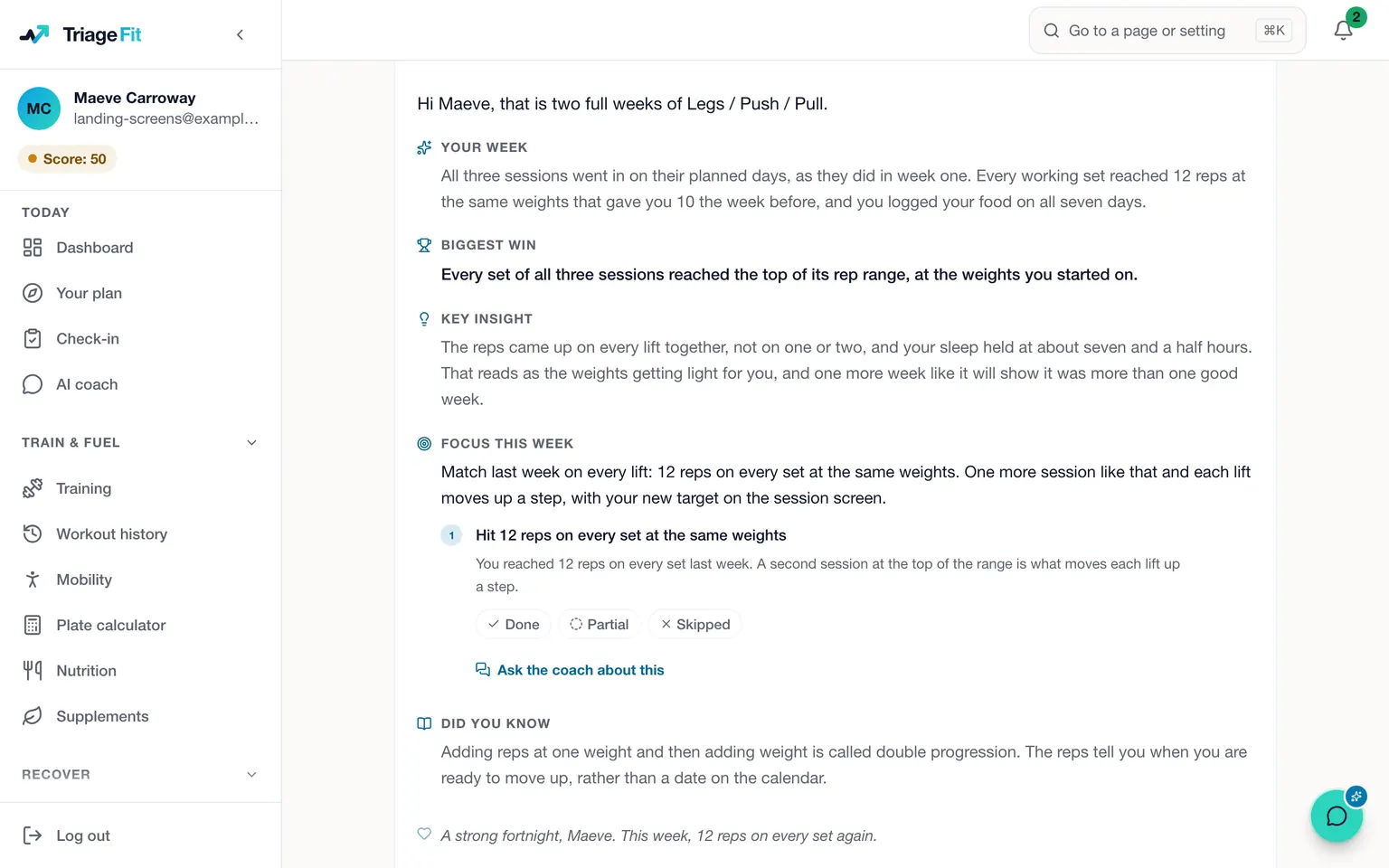
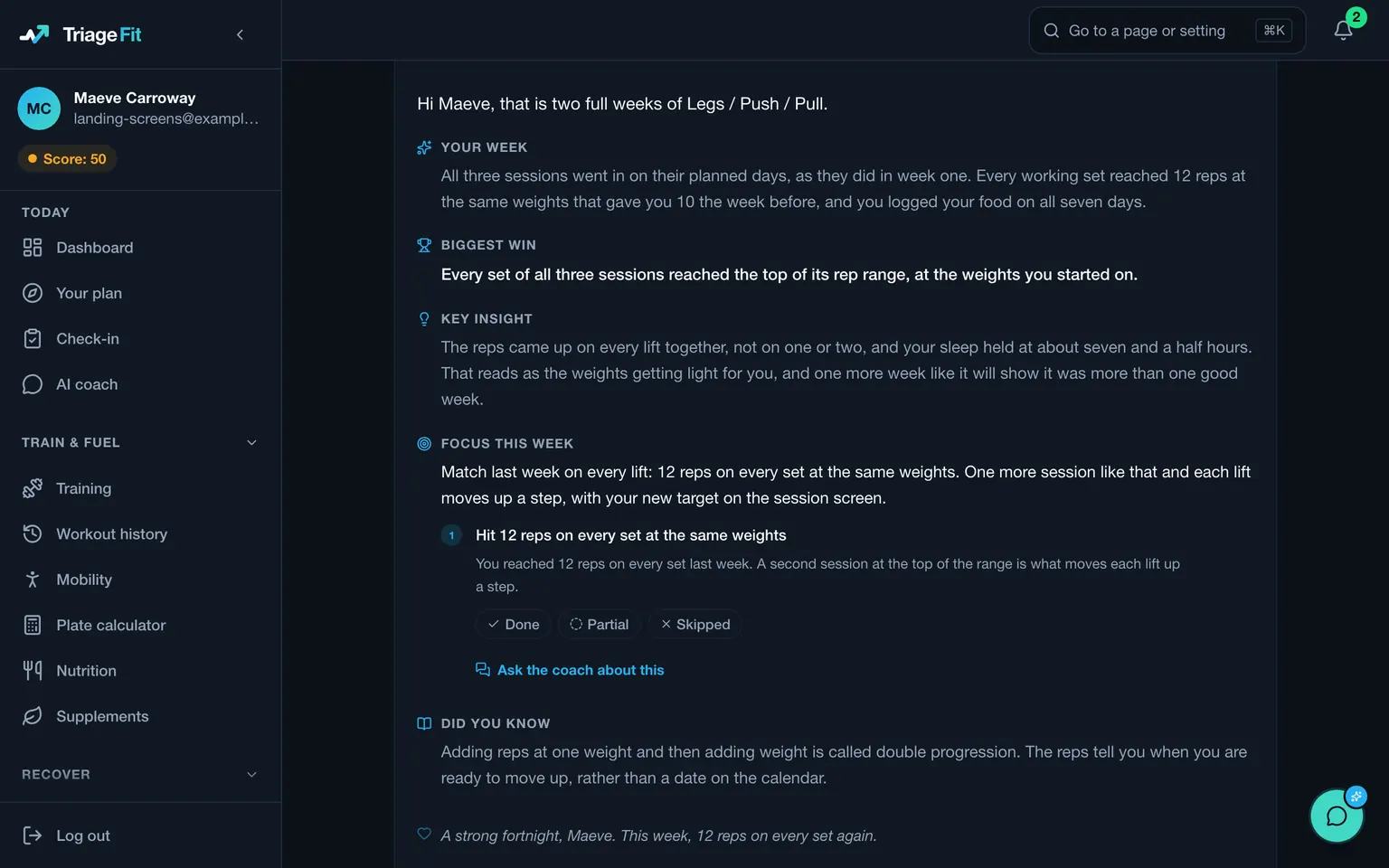
The intake also sets a calorie target matched to your metabolism and spreads your protein across the day. You log meals from the food database, your recent meals or recipes you have saved. Once a week, on the day you choose, your check-in opens with the week's food and sessions already in it, you rate your energy, recovery, sleep, stress and motivation, a reply arrives within seconds, the AI coach reads it, and your macros are adjusted. Everything the AI coach does sits on a method our coaches built over 20+ years with real clients, tailored to you through your intake. Between check-ins the AI coach answers at any hour and can shorten, swap or move a session once you say yes, and a coach reviews any set you film.
A plasterer in Ennis, moving on from Fitbod
Think of a plasterer in Ennis who has used Fitbod on an iPhone for a year and a half. Now they want their food looked at alongside their training, with an AI coach reading how each week went.
A week before the renewal, they open their iPhone's Settings, tap their name, then Subscriptions and Fitbod, and cancel, keeping full access to the end of the period they paid for. They join TriageFit and give the intake the barbell, rack and dumbbells in their garage, three evenings a week and a lower back that stiffens after long days on a ladder, which they grade as mild and improving. The first phase keeps the hinging work in with a note to stay pain-free, the calorie target and protein arrive with the plan, and their first Sunday check-in gets a reply within seconds.
What TriageFit costs
TriageFit costs €50 every 4 weeks in Ireland, VAT included, or €500 for a year paid up front. In the UK it is £45 every 4 weeks, and in the US $55. There is no free trial, so coaching starts with your first payment. The block plan has no contract, you cancel it in the app, and you can pause it for one to three months instead.
How to start
Choose a plan on the pricing page, create your account and pay, and the intake opens. What Fitbod costs lists every Fitbod price, Fitbod alternatives compares other places to go, and online strength coaching covers the coach-designed phases and the form checks on your main lifts.
Questions people ask
- How do I cancel my Fitbod subscription?
- Cancel where you subscribed. On Fitbod's website you cancel by logging in at app.fitbod.me and choosing Cancel under Your Plan. On an iPhone you cancel in your iPhone's Settings, by tapping your name, then Subscriptions, Fitbod and Cancel Subscription, and on Android in the Play Store app, under your profile icon, then Payments and subscriptions, Subscriptions, Fitbod and Cancel subscription.
- Does deleting the Fitbod app or my account cancel the subscription?
- Fitbod's help centre says deleting your account does not cancel your subscription, so cancel the subscription in the place you bought it first, and delete the app or the account afterwards if you still want to.
- Will Fitbod refund me when I cancel?
- Fitbod's help centre says cancelling stops future charges but does not refund the period you are in, and you keep full access until the next billing date. For a website purchase you ask by emailing Fitbod's support team with your name, your account email and a screenshot of your receipt, and for an App Store purchase you ask through Apple's report-a-problem page, and Apple reviews every request.
- Can I pause Fitbod instead of cancelling?
- Fitbod describes a one-month pause, offered only to eligible monthly subscribers on its website and not given on request, during which you cannot start or log a workout, and on Android a monthly subscription on Google Play can be paused for one to three months. It says annual plans and trials cannot be paused. TriageFit's block plan can be paused for one to three months, and it has no contract.
- What does TriageFit include for the price?
- In Ireland, €50 every 4 weeks, VAT included, pays for a programme built from phases our coaches designed and fitted to your equipment and injuries, a calorie target with macros adjusted at each weekly check-in, a reply to that check-in within seconds that the AI coach reads, form checks reviewed by a coach and an AI coach at any hour.
Sources
- Fitbod help, cancelling and refunds, checked 4 November 2026
- Fitbod help, subscribing, checked 4 November 2026
- Fitbod help, how the trial works, checked 4 November 2026
- Fitbod help, how a workout is built, checked 4 November 2026
Fitbod is a trademark of its owner. TriageFit is independent of Fitbod, and Fitbod has not reviewed or endorsed this page.
Read next
- TriageFit vs Whoop, the data on your wrist and a coach to use itTriageFit vs Whoop: what Whoop measures on your wrist, what TriageFit does with that data once you upload it, and what each one costs to run together.
- TriageFit vs MyFitnessPal, a food log or coached food and trainingTriageFit vs MyFitnessPal on price and on what happens after you log: a food diary whose goal follows your weigh-ins, or coached food and training.
- Whoop alternatives, what they cost and what to do with your dataWhoop alternatives from Oura, Google, Polar and Garmin, each priced from its maker's page, plus coaching that reads the data from the device you wear.
- What Fitbod costs, and how its trial, cancelling and refunds workFitbod costs from €13.49 a month or €81.99 a year on the Irish App Store. How its trial, cancelling and refunds work, and what TriageFit costs.